蓝赛 Team Library
02 · Edit team color styles — 由 Figma 设计稿还原
Edit team color styles
Published styles are shared with everyone on the team—they can be used by
all team members in any of their files. Changing these styles will update
them everywhere they're used.
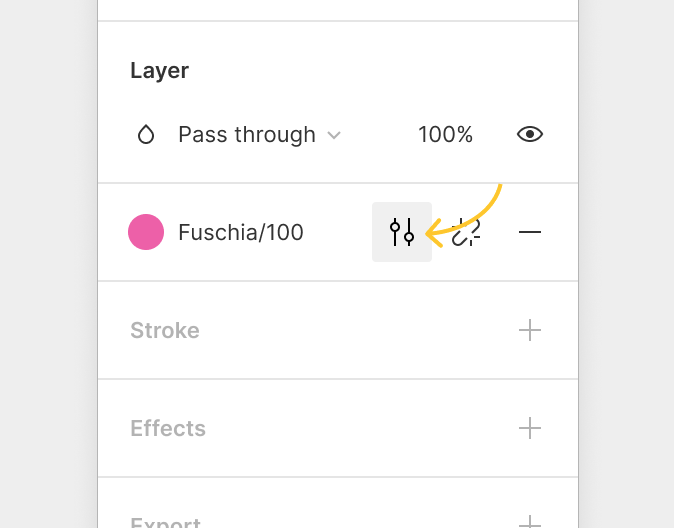
Change these default colors to your team’s colors by selecting a color
layer and clicking on
in the Design panel to the right.
We’re published already!
Edit us to be your team’s colors.
Edit us to be your team’s colors.
Fuschia/100
Fuschia/80
Fuschia/60
Iris/100
Iris/80
Iris/60